How I manage my outreach with Obsidian and custom plugins
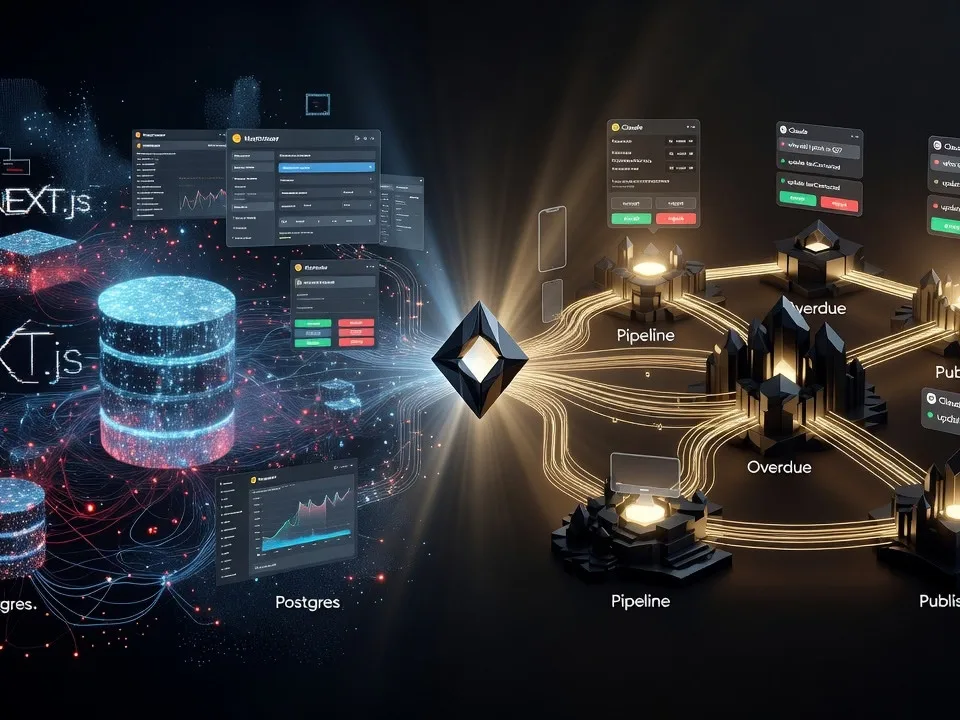
A while back I created Marketeer, pretty much a big content engine that sits on top of a Next.js build, postgres DB with all the bells and whistles I could think of. It started as an idea to help me create drafts for blog posts, social media posts and grew over time contain an addressbook for outreach and then a newsletter section for me to send my newsletters. However, as with anything that grows over time there will come a time when it's starting to become dificult to understand the underlying structure myself. I had to build UI interfaces just to be able to see and change fields in the DB, and soon, the dashboard was just too cumbersome to navigate.
Enter Obsidian.
I pulled everything from the DB to proper md-files in Obsidian and lo and behold, everything was easily accessible and editable without any additional UI. But, the problem now was that I'd built this entire structure underneath using AI to speed up processes and Obsidian had nothing but manual labour.
I started doing some research on Obsidian and at first I built another Next.js interface for the vault, running only on localhost, but that only made me go to the computer and fire up localhost to be able to do some proper work. So, at first, I found this Copilot plugin for Obsidian, downloaded and tested. Basically ChatGPT inside Obsidian where I could talk to the AI about my notes and drafts, but still no way to actually have AI help me with the edits, sorting, etc.
Docs Helper plugin
If a plugin exist, then I must be able to build one myself as well!
I sat down with Claude and started creating a plan together for the plugin for my outreach needs:
Build a **personal, BYOK (bring-your-own-key) Obsidian plugin** that pairs an AI assistant with your vault across four pillars:

| Pillar | What it means for you |
|---|---|
| **Read** | Ask questions, summarize, explain, and extract from the active note / selection / linked notes |
| **Search** | Ask your vault a question and get answers with sources; find notes by meaning, not just keywords |
| **Organize** | Suggest tags, links, frontmatter cleanup, folder placement; find orphans & broken links; maintain `INDEX.md` files |
| **Write** | Draft, continue, rewrite, and polish content — every edit shown as a **diff preview** you accept or reject |

Runs on **desktop + iPhone** (`isDesktopOnly: false`), designed **mobile-first** (iPhone is the daily driver; desktop only for development/testing). Everything is local-first; the only network traffic is to the AI provider you choose. No telemetry, no hidden cloud.
The plan was sound. What surprised me was how little of it I had to throw away once I started building. Usually a plan like this survives about four hours of contact with reality. This one survived because every pillar eventually collapsed down to the same primitive: take the note I'm looking at, shove it through a prompt, show me the result as a diff, and let me say yes or no.
The four pillars, in practice
Read
Highlight a paragraph, ask "what's the claim here and do I actually back it up anywhere else in the vault?" and get an answer with wikilinks back to the notes it pulled from. The sources matter more than the answer. An AI that summarises my own writing badly is worse than no AI at all, so every response comes with links I can click through and verify.
Search
This is the one that quietly replaced the DB entirely. I used to keep a contacts table with a notes column, a tags column, a last-contacted column. Now I just ask the vault "who did I pitch the newsletter sponsorship to in Q2 and never follow up with?" and it goes and finds out. Keyword search never would have surfaced that, because I never wrote the word "follow-up" anywhere near those notes.
Organize
Tags, links, frontmatter cleanup, orphan hunting. This is the boring pillar and it's the one that pays for the plugin. I have a lastContacted field on every contact note and I was never going to maintain it by hand. Now I mention in passing that I sent someone an email and the plugin offers to update the frontmatter. Diff, accept, done.
Write
Draft, continue, rewrite, polish. All of it gated behind the diff preview. It never writes to a file directly. That was a hard rule from day one, and it's the reason I trust it enough to let it touch my outreach notes at all. An AI that can silently edit your vault is a liability. An AI that proposes edits is an assistant.
Bases: the other half of the equation
Here's the thing I didn't appreciate until the notes were all sitting there as files. The plugin gives me actions. Bases gives me views. You need both, because an outreach engine that can only be queried in natural language is a party trick. I don't always want to ask a question, sometimes I just want to open a tab and see the pipeline.
So the vault has three Bases I live in:
| Base | What it shows | |---|---| | Pipeline | Every prospect, grouped by stage, sorted by lastContacted | | Overdue | Anyone where lastContacted is older than my follow-up window | | Published | Drafts that have shipped, with their publish dates |
…and the plugin fills the fields those Bases depend on. That's the loop. I talk to the plugin, it proposes frontmatter, I accept, and a Base I'm not even looking at reorders itself accordingly. The next morning I open the Overdue tab and it's just telling me who to email.
No dashboard. No UI to maintain. No schema I have to remember.
What actually changed
I deleted Marketeer's dashboard. Not deprecated, not archived. Deleted, along with the Postgres instance behind it. The content is still there, it's just md-files now, and the parts of Marketeer that were genuinely doing work (the AI integration, the outreach logic) got rebuilt as ~800 lines of TypeScript inside a plugin that runs on my phone as well as on my desktop.
That last part is the bit worth dwelling on. isDesktopOnly: false wasn't a nice-to-have, it was the entire premise. If outreach requires me to sit down at a computer and run a dev server, the outreach doesn't happen. It happens in the gaps. In the downtime of a slow day, in a queue, or on the couch.
I still haven't fully made peace with how fast this went. A weekend of planning with Claude, a couple of days of building, and a system that replaced something I'd been slowly growing for two years. The old one had more features. This one gets used.